Showing posts with label photography. Show all posts

Wednesday, August 10, 2011

Tutorial - Making a photo transfer

As promised, here's that tutorial. Photo transfers are fun and can add an element of collage to a work or be used entirely by itself. Generally you would want to put the transfers on a panel but you can also use them in other creative ways including lampshades (since they are almost transparent) or shadow boxes. I've found that self-levelling gel works really well. I came across this quite by accident since the jar looks the same as tar gel and I obviously wasn't paying attention! I started with a layer of self-levelling gel and then an application of tar gel but really the self-levelling works well on its own as long as you do two applications. It also dries faster and smoother.

What you'll need:

A picture printed on plain paper
Knife or scissors
palette knife
self-levelling gel or tar gel
tape
backing board
sponge with scrubby side, if possible


Step 1:

Print out an image onto regular plain paper. The cheaper the better. Pigment inks are best but are not necessary. Any regular print will do. Any true blank area will not show white in the final. So remember that when choosing your image and choosing what to show and what not.


Step 2:

Cut down your picture (if necessary). Leave a bit of a border. You'll see why. You can always cut down the image after its gel application.


Step 3: 

Tape down your image (leaving a bit of a border around the true outside of your image). It's best to tape the paper down to a non-porous board to allow for drying. 


Step 4: 

Take a spatula and coat the picture with the gel in one smooth, even and not too thick coating. Try to minimize air bubbles as these will stay. Do another pass or two to smooth it out if necessary.


Step 5: 

Once dry the gel should now appear see-thru unlike the above. The milky look means it still isn't dry. Drying will depend on humidity in the air but be prepared to wait several hours. Repeat and coat the picture with another application of the gel. This helps with Step 6.


Step 6:

Once the 2nd coat is dry remove the tape (it helps if you score the paper or even just cut the picture away as close to your tape as possible). Wet the picture and your sponge. Start rubbing the back of the picture in a circular motion to remove the paper. Don't rub too hard or have any debris under the picture or folds as this will remove the pigment. Unless you want that look! Wash the transfer when you've got the paper off just to clean it up.


Step 7: 

Now hang to dry. Because you left a little bit of extra space around the picture you don't have to worry too much about your hanging method leaving any indentation.

Step 8: 

When dry you can apply your transfer in any way you like. If you're applying it to a panel then any type of binder medium will work to adhere it.

Enjoy your new photo transfer!

Thursday, December 3, 2009

December 2, 2009 - 3 photos and a watercolour


More playing around with Paris photos yesterday afternoon until a headache got the better of me. It cleared and I did a small painting of a door in Paris. Probably shouldn't have. Anyway, it's just okay. For instance, you can tell it's a door. I used the very "bleedy" smooth paper I got in Germany. It's a bit of a challenge. I love it and hate it at the same time.

Well, I'm pleased with the photos. I'll probably post them on redbubble today.

Tuesday, December 1, 2009

December 1st, 2009 - new photos


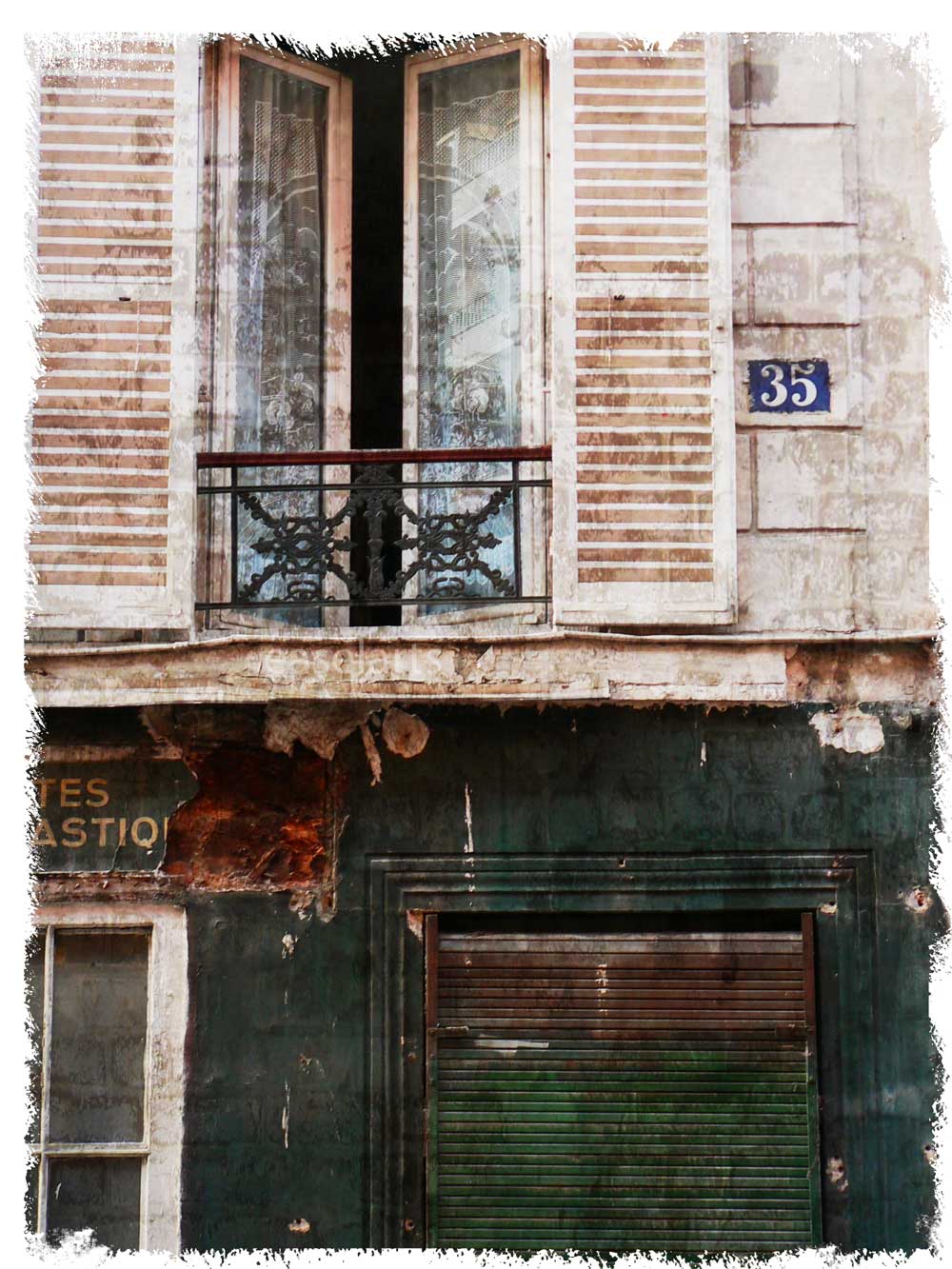
Okay, so no new watercolours after my productive Sunday. But that's because I have a new toy so I've been concentrating on photos instead and playing around with textures so I'm posting these instead. I also just opened a shop at redbubble. Check out my shop. I'm under "easelarts" there as well. Maybe you'll see these images there.

Once again, I'm going through my Parisian images. Most of these date back to 2007 but now with a new twist.

Tuesday, November 3, 2009

November 3, 2009 - Flag

I'm on a roll. This one I turned the everything black and white and selected the flag as colour. I made the colour in the flag a bit more subdued and then added noise for grain as well as another artistic border.

Tuesday, July 28, 2009

Day 5 - No new watercolour but photography instead!


It's a long story but I slipped up this day although I created so much on Saturday that I don't feel guilty (yet). Here's a cyanotype photo created in Photoshop of my collection of vintage cameras. It's one of a pair posted on etsy.